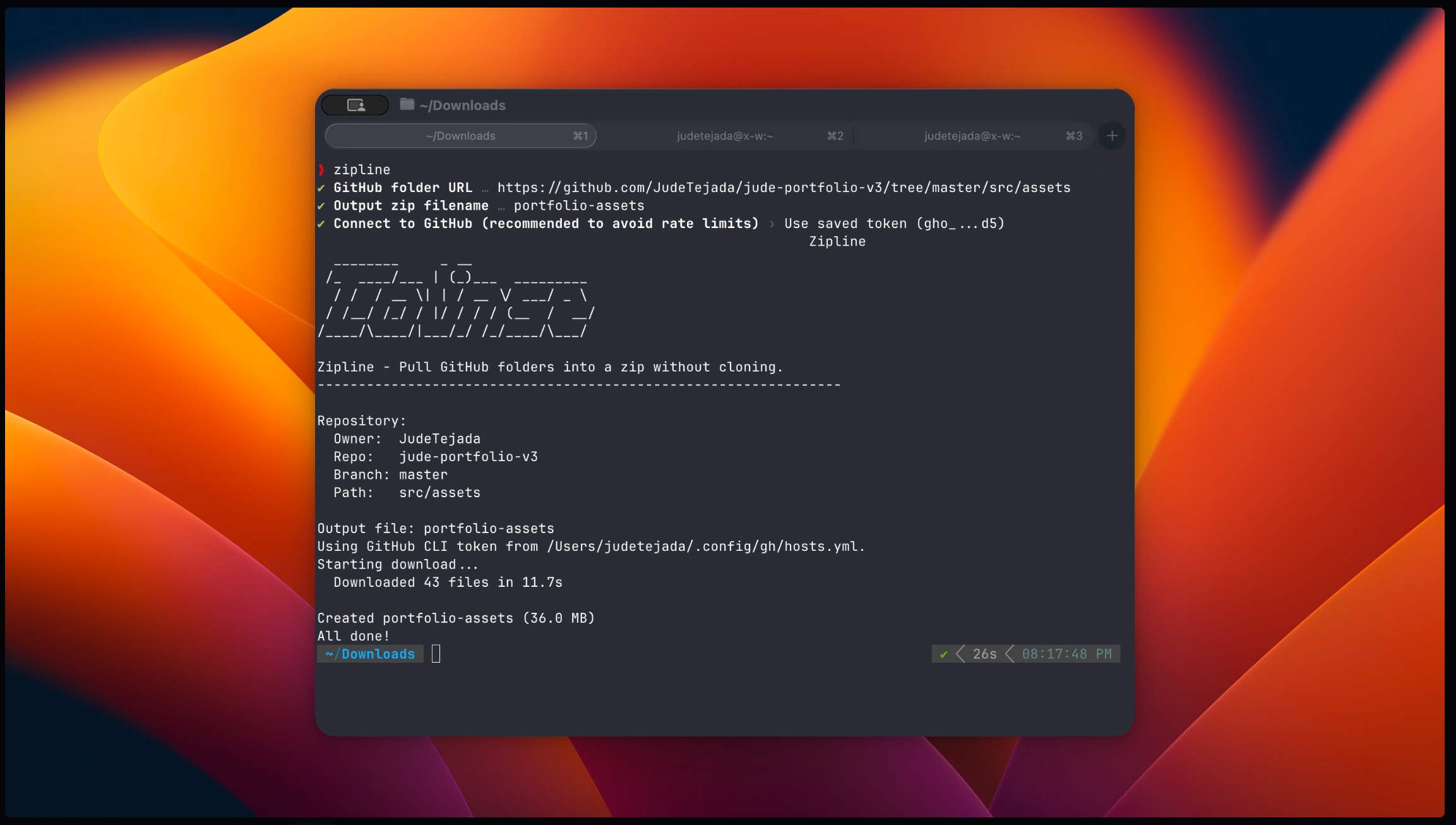
What Made This Project Interesting
The GitHub API Discovery: I learned that GitHub’s API lets you fetch directory contents recursively, which was perfect for this use case. The trick was handling the different response structures for files vs. directories.
Authentication Handling: I wanted to make it work both with and without GitHub tokens. The tool automatically detects if you have GitHub CLI configured and uses those credentials, falling back to anonymous requests (with the obvious rate limits).
Bun’s Speed: The startup time is incredible compared to Node.js. For a CLI tool, that instant response makes a real difference in the user experience.
How It Works
# Interactive mode - walks you through everythingzipline --interactive
# Direct download - just paste the GitHub URLzipline https://github.com/user/repo/tree/main/docs
# Custom output namezipline https://github.com/user/repo/tree/main/src -o my-files.zipThe tool parses the GitHub URL, figures out the repository and path, then recursively downloads all the files in that directory while maintaining the folder structure.
Key Features That Actually Matter
- No setup required: Works out of the box, detects GitHub CLI tokens automatically
- Preserves folder structure: Downloads maintain the original organization
- Handles nested directories: Works with any level of folder nesting
- Smart authentication: Uses tokens when available, works anonymously when not
What I Learned Building This
Bun is genuinely fast: Not just marketing hype. The TypeScript support without configuration is a game-changer for quick projects like this.
GitHub API quirks: Different endpoints return different data structures. Files vs. directories needed separate handling logic.
CLI design matters: Adding interactive prompts with Inquirer.js made the tool much more approachable than forcing users to remember command syntax.
Get It
# Install globallybun install -g zipline
# Or run without installingbunx github:JudeTejada/zipline --interactiveThis was one of those projects that solved an actual problem I kept running into. The fact that it’s built with Bun made it a fun exploration of a new runtime while creating something genuinely useful for my workflow.